
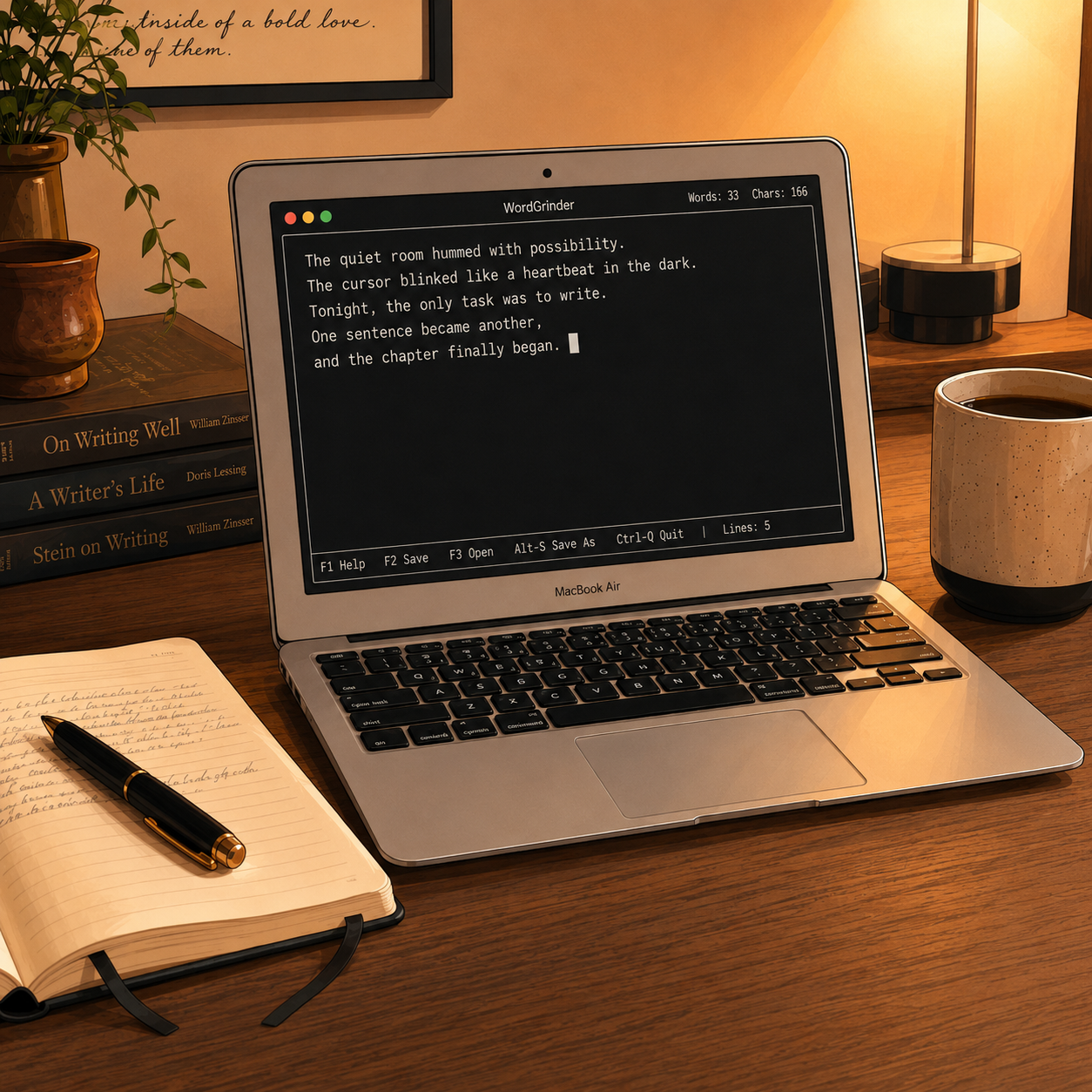
For the past couple of months, I’ve been searching for the perfect way to write. Truth be told, I aspire to be a writer and publish my work for others to read. Combine that goal with my passion for technology and you’ve got a myriad of ideas on how to pursue my writing. Writing as a form of expression can be made simple with just a pen and paper. Sharing your thoughts and ideas does not have to be difficult, but I do find myself seeking that simple edge to get me focused on writing.
In pursuit of the perfect tool, I’ve scoured the web to find the perfect app with all the bells and whistles. The first app I installed was Scrivner, which is a purpose-built app for novel writing, but found it overwhelming with all its features. I also installed Obsidian for note taking for general purpose writing, but formatting was difficult. Overwhelmed by the options, I spent more time looking at the features and less time writing. Maybe software wasn’t the issue but hardware, after some searching, I found the Freewrite, a purpose-built writing machine. The Freewrite was basically a keyboard with a tiny LCD screen. As perfect as that solution sounded, the issue was the cost, with the cheapest option starting at $300. The cost was high enough that I did not know if I could commit, but I knew I was on to something. I wanted to replicate the Freewrite experience at a lower cost.
Memories of the early mid-2010s came back to me and remembered the days before tablets, when Netbooks were all the rage. I figured I could find an old Netbook and convert that into a Linux machine. But the ones I found were of poor quality and did not age well. As I searched, I came across MacBooks and realized that if I could find an old MacBook, I could get what I really wanted. A great built machine with a great keyboard and the capacity to run a lightweight version of Linux. After some time, I found the perfect MacBook, the 11-Inch MacBook Air. Built around 2015 it had gained a great start but with tablets getting better performance each year, the 11-inch form factor fell out of fashion. Because if it’s age, these were sold starting at $85 on eBay. I bought one quickly and installed Zorin OS (Linux distribution), but the performance was horrid. I left it alone and did not write for a while. Frustrated that I could not find the exact tool I wanted.
By chance I saw a video on how George RR Martin wrote Game of Thrones and he talked about using an old computer running DOS and a version of WordPerfect. This was my eureka moment! I quickly went on installing Lubuntu, a lightweight Linux distribution. I found a way to make it run in terminal mode, think black screen with a command window, and installed WordGrinder. Perfect! This is exactly what I needed. I still use my regular PC for editing, but for rough drafts, this little terminal-based writing machine does exactly what I need. It removes the noise, gives me a blank screen, and lets me focus on the only thing that really matters: getting the words down.